The configuration UI of the Stellar-40 is the built-in web interface. This guide will help you use it.
We provide multiple additional software tools to simplify the use of your Stellar-40 sensor:
sbgCenter: to easily connect with the Stellar-40 and for data visualization.
SBGDataLogger: an optional tool to send RTCM corrections to the Stellar-40 and/or log the data from one or multiple Stellar-40.
Note that the Stellar-40 has a built in NTRIP client and a built-in datalogger making the sbgDataLogger useful only for rare cases.
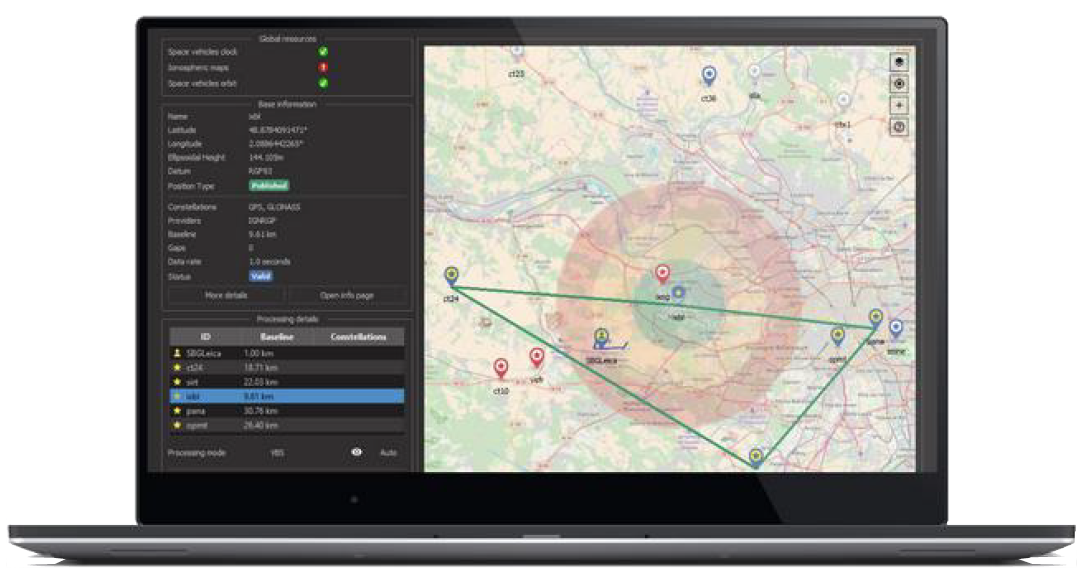
Qinertia
Qinertia is a 100% in-house post-processing software solution.
This full-featured software enhances SBG Systems inertial navigation systems performance by post processing inertial data with raw GNSS observable in both forward and backward directions.
Key Features:
Tight Coupling INS/GNSS fusion.
Uses all GNSS bands and constellations.
Forward + backward processing to reduce outage achieve highest possible accuracy.
+ 7,000 Base Stations always up-to-date.
Open to all Industry Standards.
Fastest Processing available on the market.
Modern & Intuitive Interface.
Qinertia is available in multiple editions:
Qinertia GUI: Qinertia running on local computer with the full user interface.
Qinertia CLI: Qinertia running on a local computer with only Command Line Interface.
Qinertia Cloud API: Qinertia web service running in SBG cloud infrastructure.
Get in touch with us for more details about Qinertia.
Integration
To integrate the Stellar-40 within your system, you can find the complete documentation:
Firmware manual: Documents all the messages available on the Stellar-40.